AI-Driven Image Generation
Create images from prompts
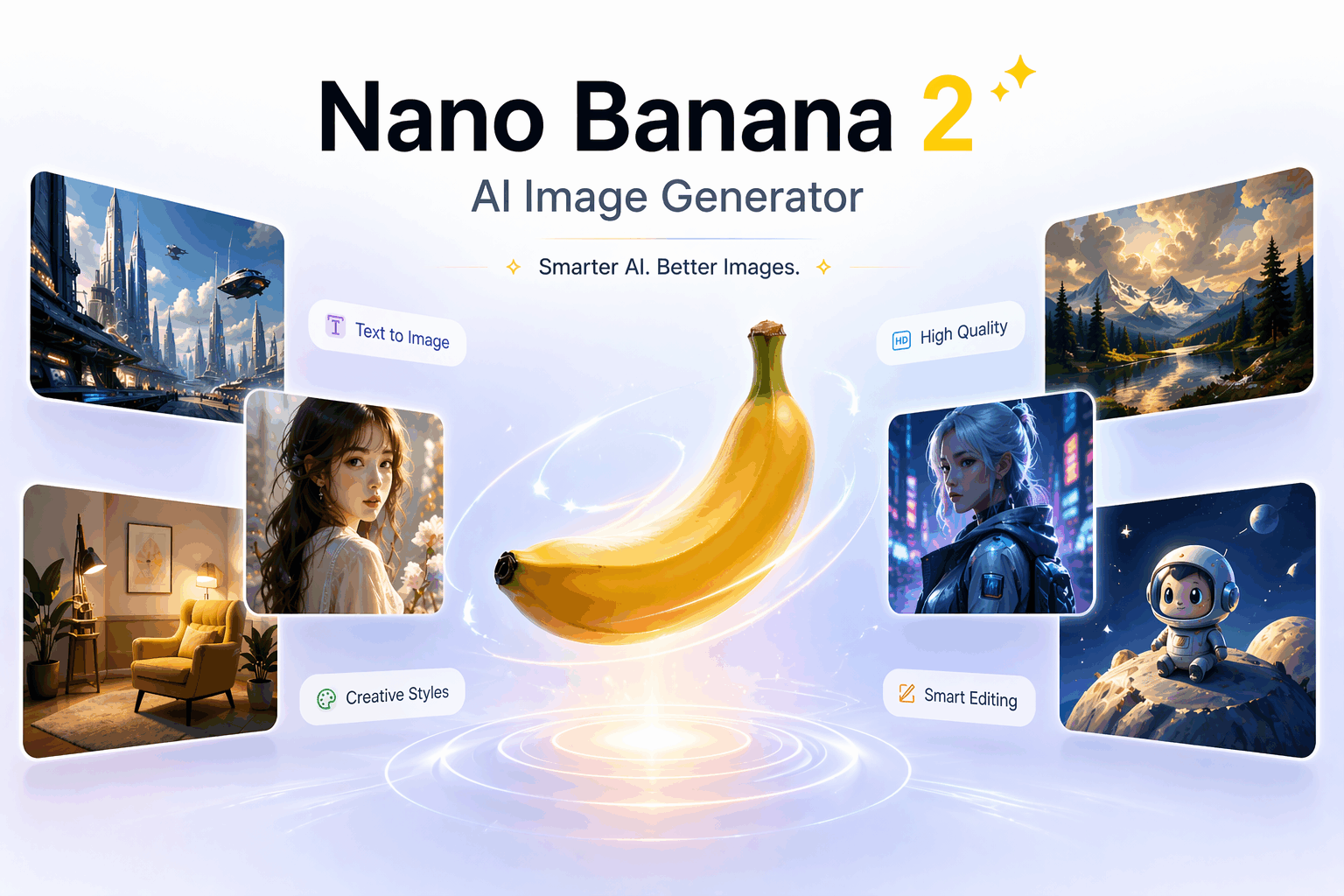
Turn natural language prompts into stunning visuals with Nano Banana 2. Create images from scratch or enhance existing ones for ads, product scenes, posters, thumbnails, and social media posts.
Free Online
Generate high-quality, 4K resolution images using the Nano Banana 2 model powered by Gemini 3.1 Flash Image. Create original visuals for ads, product scenes, posters, thumbnails, concept art, and social media posts. The scene should be vibrant, detailed, and engaging, with a focus on precise image composition and clear subject representation. Include specific elements or themes as per the desired style, and ensure the visuals are suitable for both digital and print formats.
Generator
Enter a text prompt, select the image shape, and generate a new visual with Nano Banana 2.

Model overview
Nano Banana 2, powered by Gemini 3.1 Flash Image, is Google’s cutting-edge AI image generation and editing model. Designed for both creativity and productivity, Nano Banana 2 offers a seamless blend of fast processing and high-quality output, ideal for professionals, creators, and marketers alike.
AI-Driven Image Generation
Turn natural language prompts into stunning visuals with Nano Banana 2. Create images from scratch or enhance existing ones for ads, product scenes, posters, thumbnails, and social media posts.
4K Resolution Support
Nano Banana 2 supports high-resolution outputs up to 4K, making it useful for digital content, brand assets, campaign visuals, and print materials.
Text-to-Image and Image Editing
Generate images directly from text, then edit and refine visuals by changing backgrounds, replacing objects, adjusting details, and adding precise text overlays.
Speed and Efficiency
Built on Gemini Flash architecture, Nano Banana 2 delivers fast processing for quick generation, high-frequency iteration, and efficient workflows across larger projects.
Advanced Prompt Adherence
The model understands and executes complex prompts while keeping visuals consistent, making it easier to create accurate, diverse, and reusable content directions.
Enhanced Text Rendering
Add readable text inside images with clearer rendering and visual style, ideal for marketing assets, promotional graphics, labels, posters, and social content.
How it works
Creating high-quality visuals is easy with Nano Banana 2. Simply describe your vision in words, choose your desired aspect ratio and resolution, and let the power of AI bring your ideas to life. Whether you're generating stunning new images or enhancing existing ones, Nano Banana 2 provides the speed, accuracy, and flexibility you need to create professional-grade content effortlessly.
Step 1
Start with the main subject, then add scene, style, lighting, camera, and any short text that should appear in the image.
Step 2
Use square for product and profile images, portrait for mobile posts, and landscape for banners, thumbnails, or wide scenes.
Step 3
GemPix sends your text prompt to the AI image generator and returns a generated image that matches the selected format.
Step 4
Adjust the prompt if the subject, style, text, or framing needs work. Download the image when the result fits the brief.
Prompt guide
Learn how to write clear, detailed prompts that guide the AI to generate the images you envision. Whether you’re looking for a specific style, mood, or object, this guide will help you create prompts that maximize accuracy, creativity, and visual impact. Start crafting your ideal images with the right instructions and watch your ideas come to life.
A realistic product photo of a matte yellow travel mug on a wooden desk, morning window light, shallow depth of field, clean background, square composition, small label text on the mug: ROAM.
Use cases
From marketing campaigns to creative projects, Nano Banana 2 empowers you to generate high-quality visuals for a variety of applications.
Generate image directions for paid ads, email headers, landing pages, and launch graphics before moving into final design.
Create product backgrounds, seasonal scenes, tabletop compositions, and mockups for stores, marketplaces, and promotional pages.
Make vertical posts, square graphics, video thumbnails, quote cards, event posters, and visual hooks with readable short text.
Explore characters, environments, art directions, color palettes, and story scenes before committing to a final production path.
FAQ
It is a text-to-image generator in GemPix that uses Nano Banana 2 for AI image generation. You enter a prompt, choose an aspect ratio, and generate a new image from your description.
GemPix supports both use cases, but this generator is for creating new images from text prompts. Use the photo editor when you want to change an existing image.
Use prompts that name the subject, scene, visual style, lighting, camera angle, aspect ratio, and any short text that should appear in the image.
Nano Banana 2 is known for better text placement than older image models, especially with short labels, titles, and poster-style copy. Keep wording concise for cleaner results.
You can generate product images, ad concepts, posters, thumbnails, social posts, concept art, editorial visuals, and other original images from text prompts.
Start generating
Describe the image you want, generate a result, then refine the prompt until the subject, style, framing, and text match your brief.